

Design. Edit. Earn
Start Your Freelance Design Journey @ ₹1000
Level: Beginner to Intermediate | Duration: 15 Days
Earn ₹10,000/Month from Home With Canva, CapCut, AI & Freelancing — No Experience Needed! No Office. No Boss. Just Creativity + Smart Tools = Consistent Income.
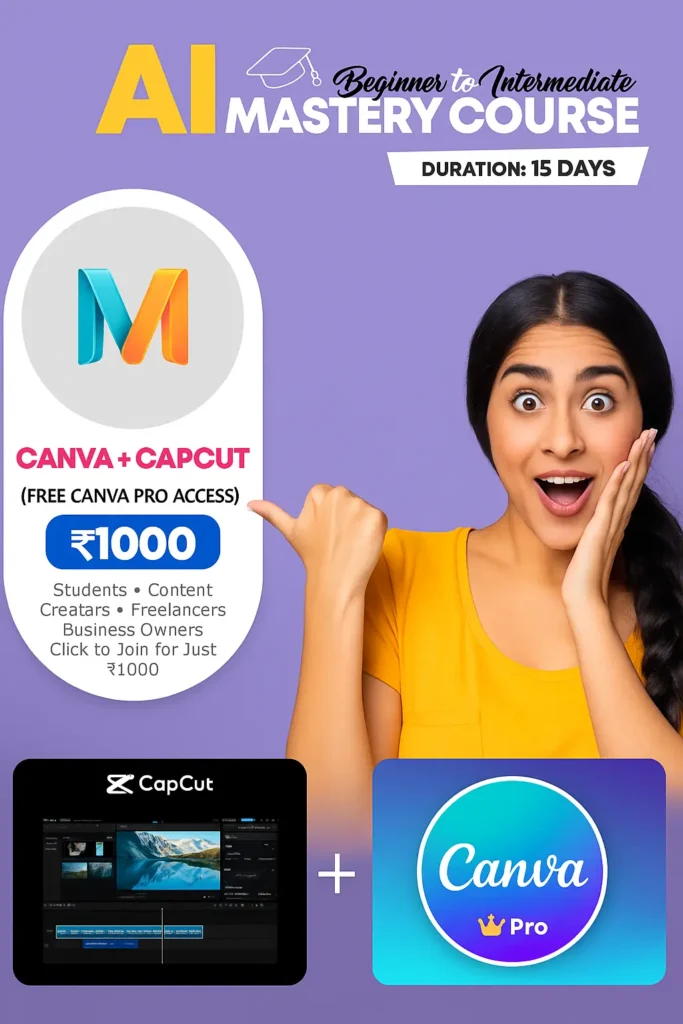
Beginner to Intermediate
What You’ll Learn
📌 Canva Pro Mastery
- Create viral social media posts, YouTube thumbnails & resumes
- Start Earning ₹10,000/Month as a Freelancer
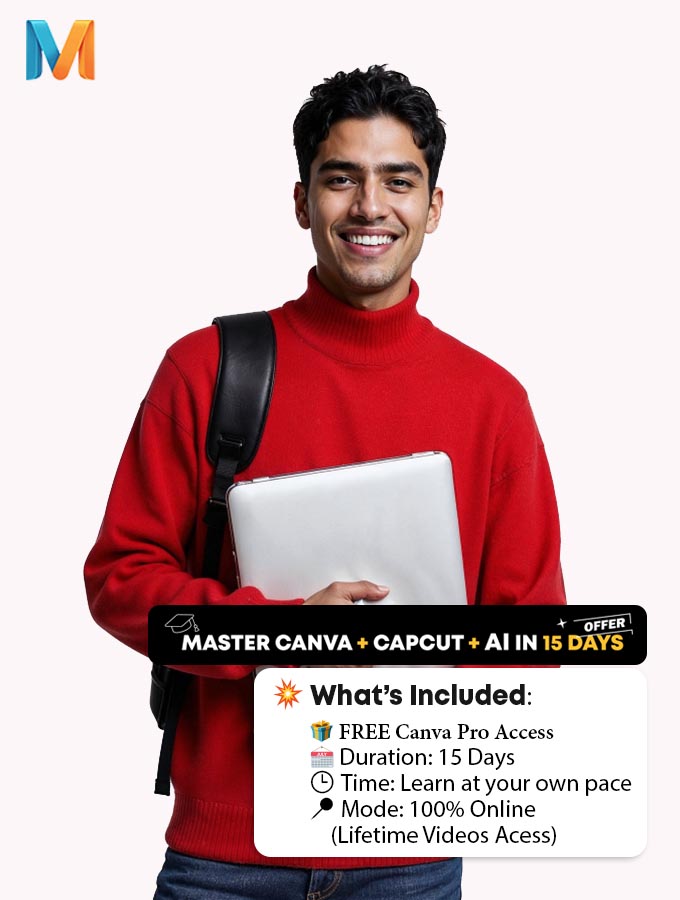
- Advanced design hacks with Pro features (you get FREE Canva Pro access!)
🎬 CapCut Video Editing
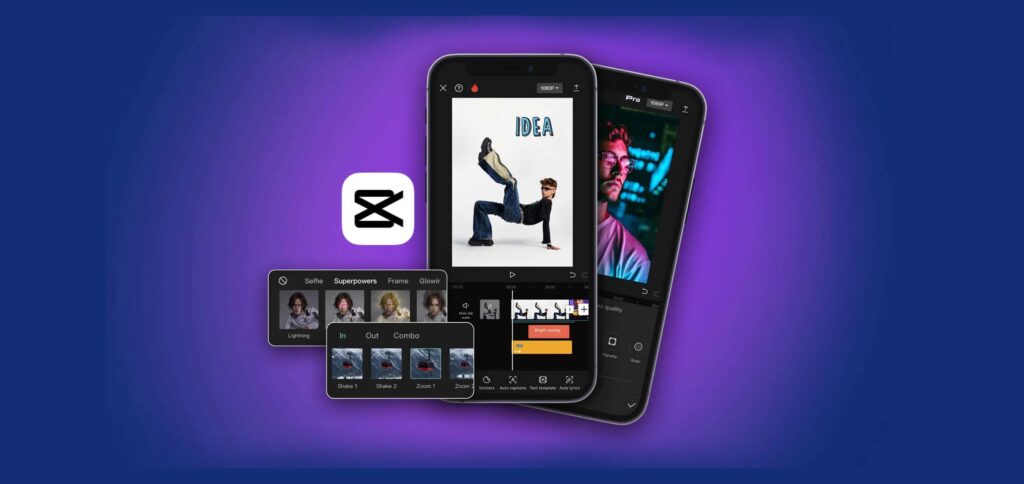
Edit like a pro on mobile & desktop
Design professional logo, poster, thumbnail, and video designs.
Smooth transitions, subtitles, music sync & more
🤖 AI Tools for Creators
Generate content & ideas using AI
Use ChatGPT + other free tools to automate design workflows
Save hours of work with smart AI shortcuts
✍️ Testimonial
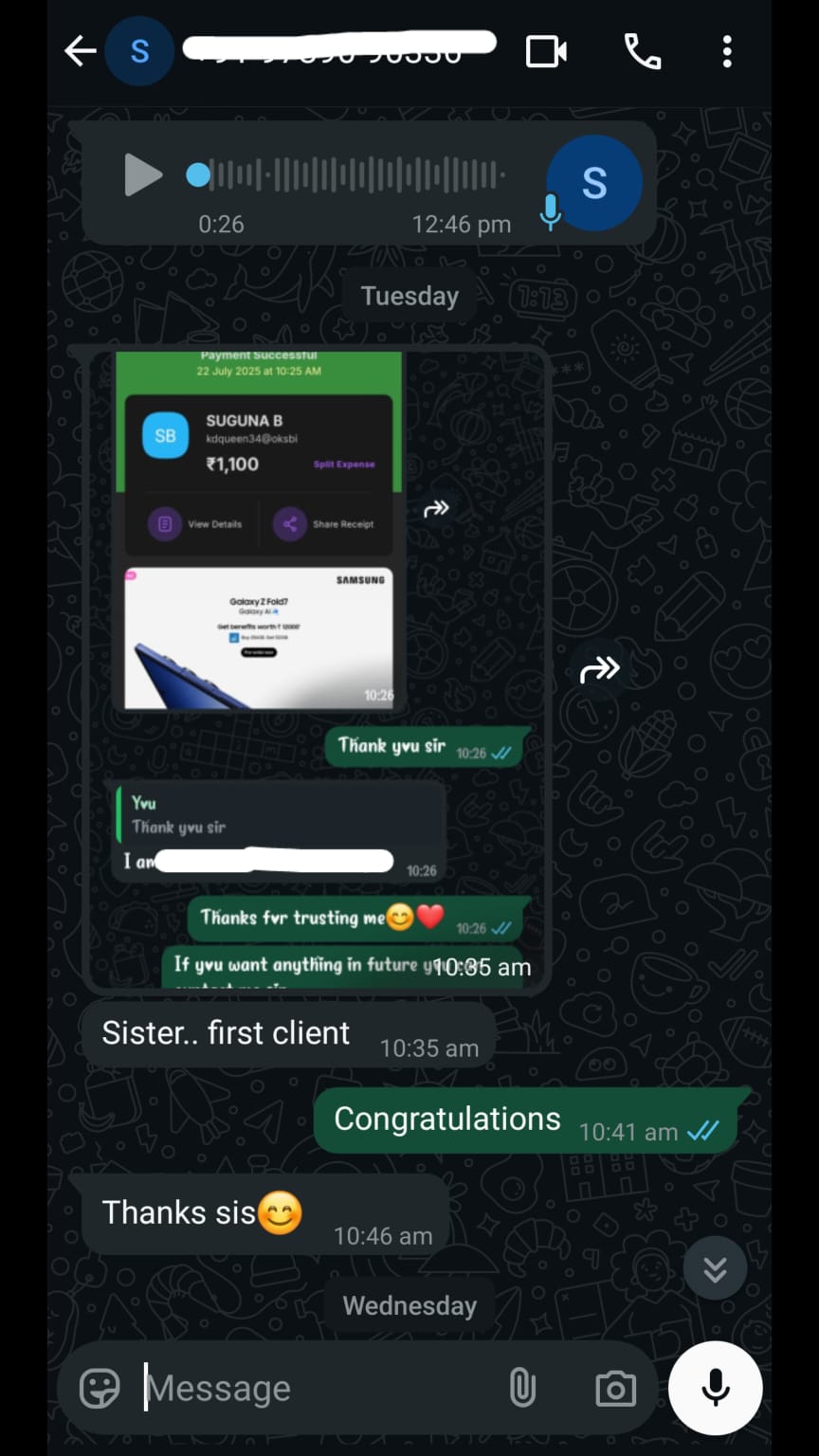
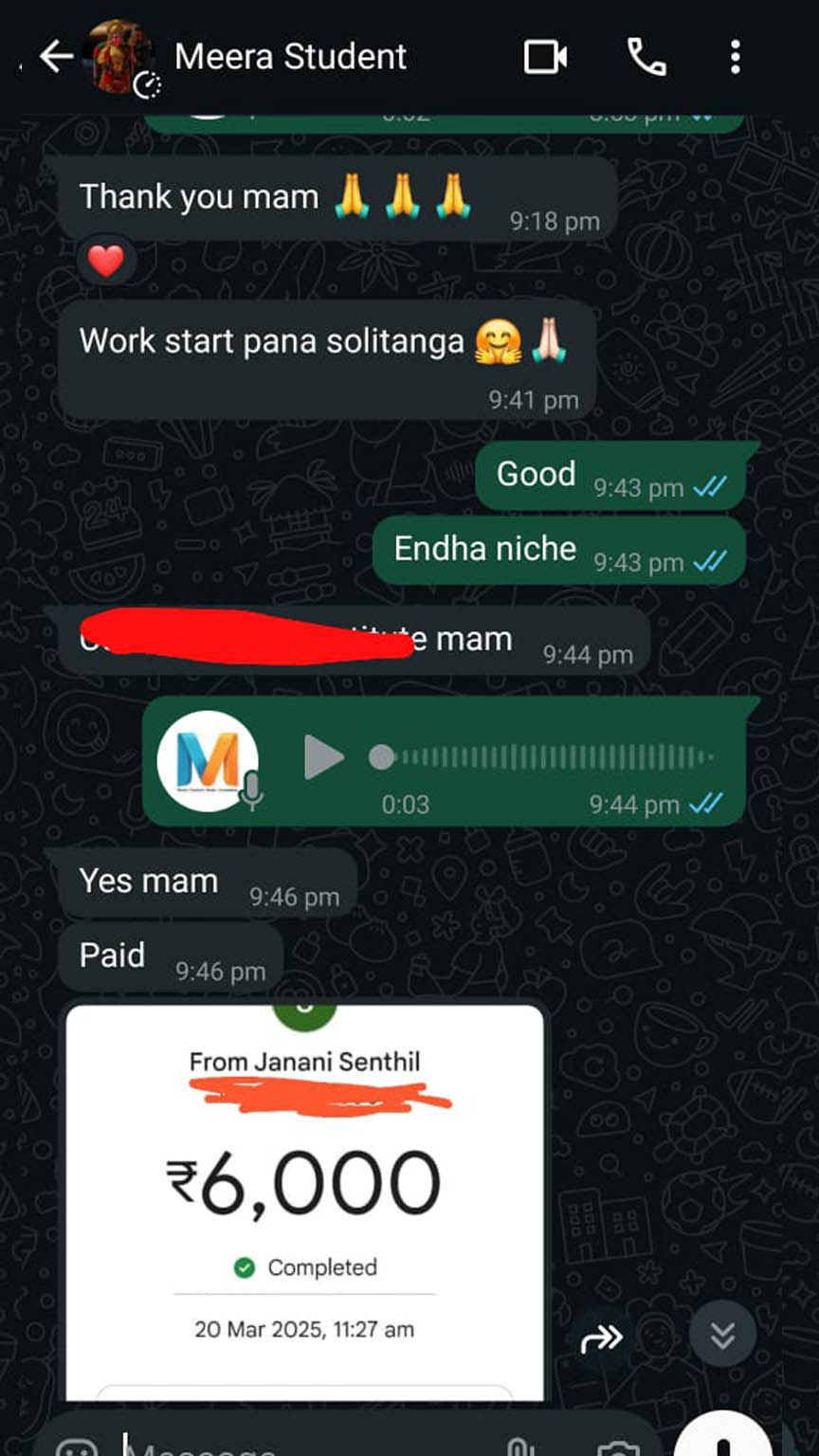
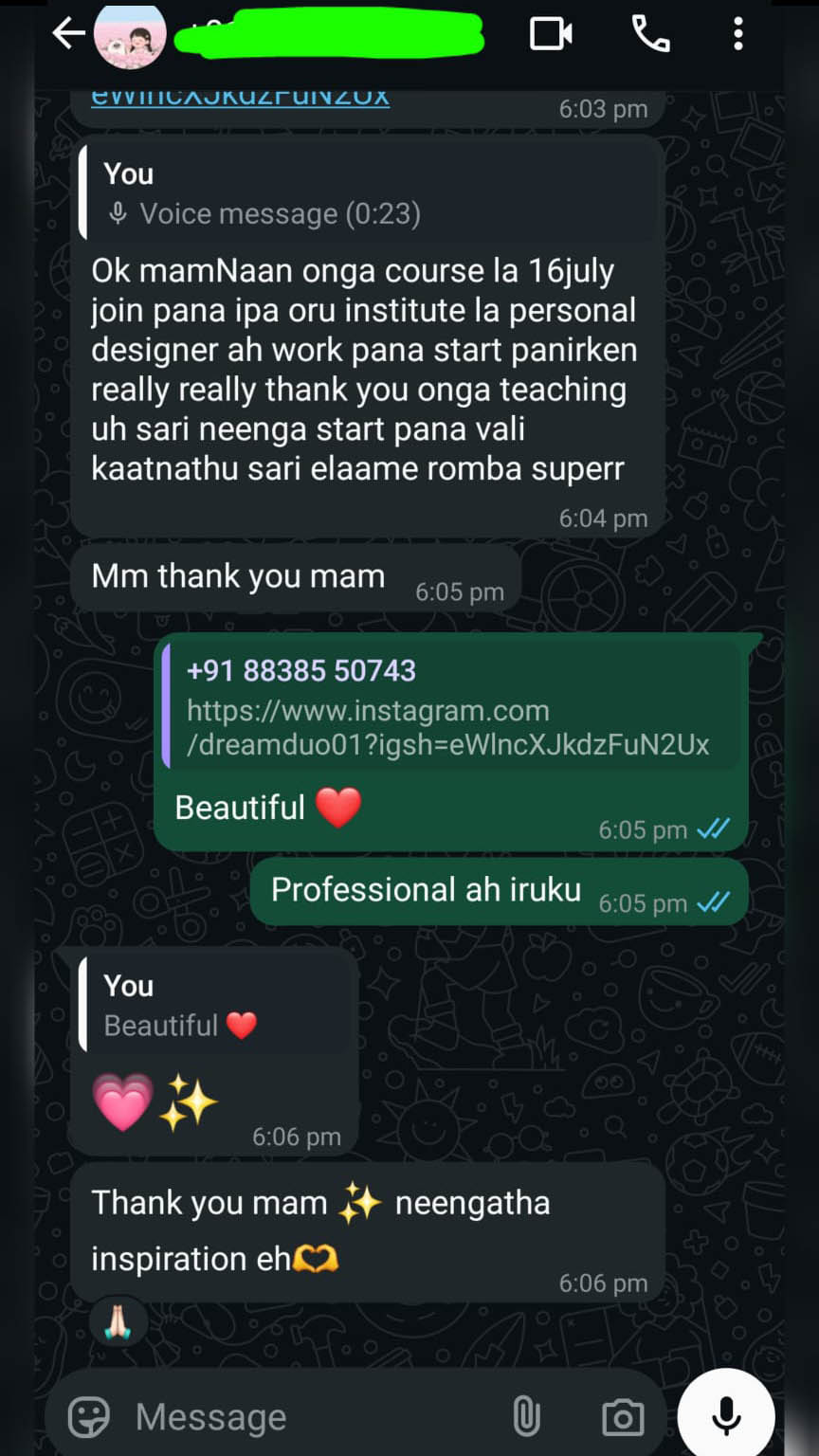
What Our Learners Are Saying
Join hundreds of happy learners who transformed their creativity into real opportunities using Canva, CapCut, and AI — even with no prior experience. See how this 15-day course helped them launch content, build portfolios, and start earning online!



🎯 Is This Course Right for You?
Designed for Anyone Who Wants to Create, Edit & Earn
Whether you’re a total beginner or someone looking to upgrade your skills, this course is built for YOU. It’s perfect for students, freelancers, small business owners, job seekers, and content creators who want to learn real-world design and video editing tools like Canva Pro and CapCut — plus how to use AI tools to save time and boost creativity.
Students & Beginners
Freelancers & Side Hustlers
Content Creators & Influencers
Small Business Owners
Job Seekers & Resume Builders
Aspiring Digital Nomads
📚 Beginner-friendly lessons
15-Day Course Syllabus
This 15-day course is carefully structured to help you go from zero to skilled — even if you’ve never designed or edited a video before.
- Canva Pro dashboard overview
- Free vs Pro: What extra tools you get
- Choosing the right design dimensions
- Working with charts, tables, and grid layouts
- Using elements, photos, text, videos, and audio
- Customizing fonts, colors, and shapes
- Using transparency, blur, crop, and visual effects
- Magic Write: Captions, content, and idea generation
- AI Image Generator (Text-to-Image)
- Background Remover (Pro)
- Resize & Magic Switch
- Creating posters easily using AI
- Principles of effective logo design
- Step-by-step logo creation
- Visual content design for products and services
- Adding transitions and animations
- Adding background music and voiceovers
- Creating reels, shorts, and YouTube videos
- Complete Canva video editing workflow
- Installing CapCut on mobile and laptop
- CapCut interface walkthrough
- Editing videos: trim, filters, audio, text
- Step-by-step professional video editing
- Generating post ideas using AI
- Creating product models with ChatGPT
- Writing captions, scripts, and ad copy with AI
- Copywriting vs content writing
- Writing effective ad copies and brand messages
- Developing your personal brand voice
- What to include in your Canva portfolio
- Using Canva templates to present your work
- Creating a portfolio that attracts clients
- How to attract clients organically
- Effective client communication & delivery
- Pricing strategies and service offers
- How to earn ₹10,000+ per month through Canva freelancing
🎉Limited-Time Offer — Just ₹1000!✨
Get all this (including Canva Pro) at a fraction of the cost. Start learning skills that can make you money from home.